CO
使用案例 / 个人生活
Coach G Bot
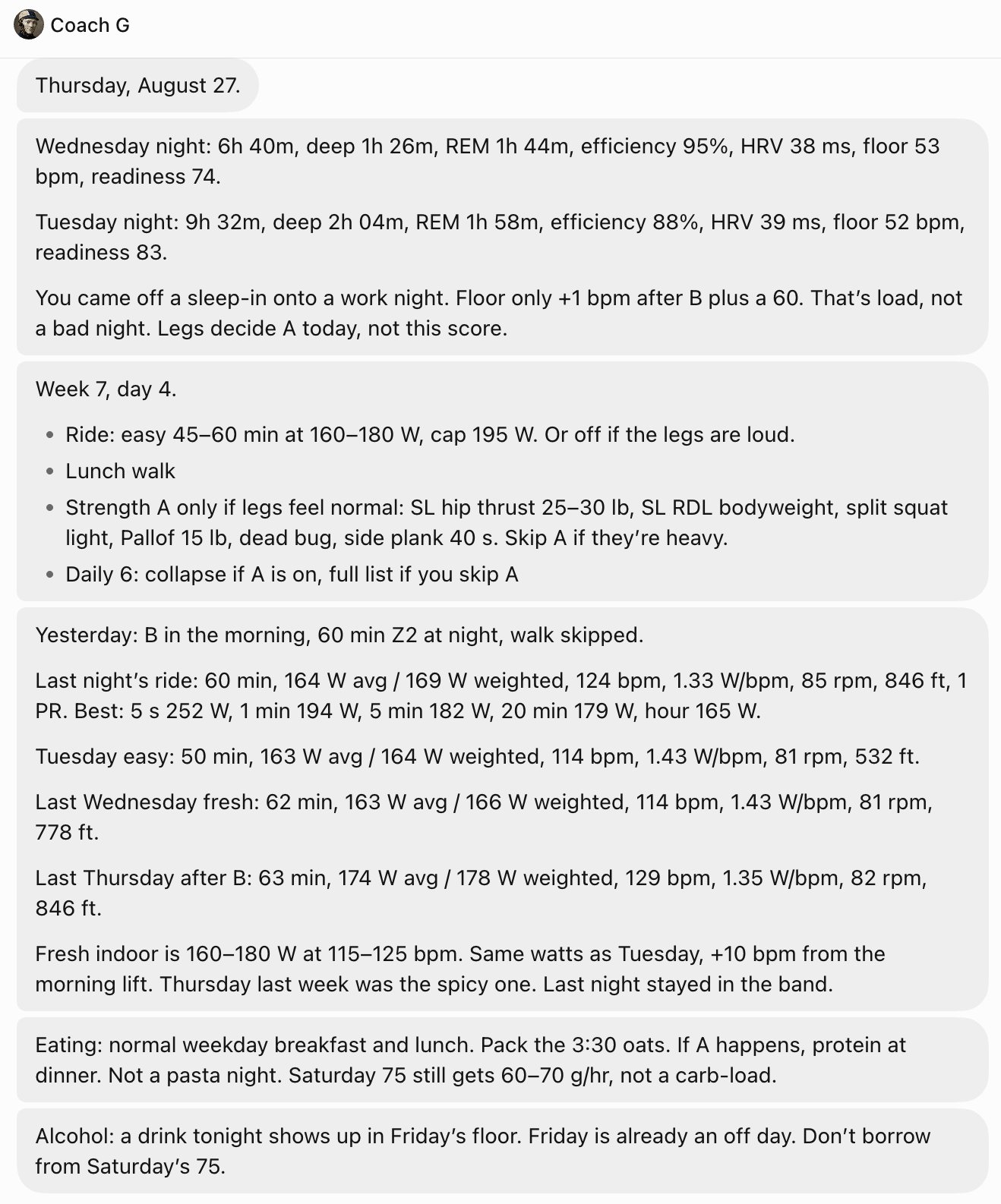
Morning training brief from Oura and Strava, plus a grocery list that matches the load.
作者名称、介绍与 Prompt 保留原文。需要入门帮助? 阅读选 Bot 指南 →
这条用法的故事
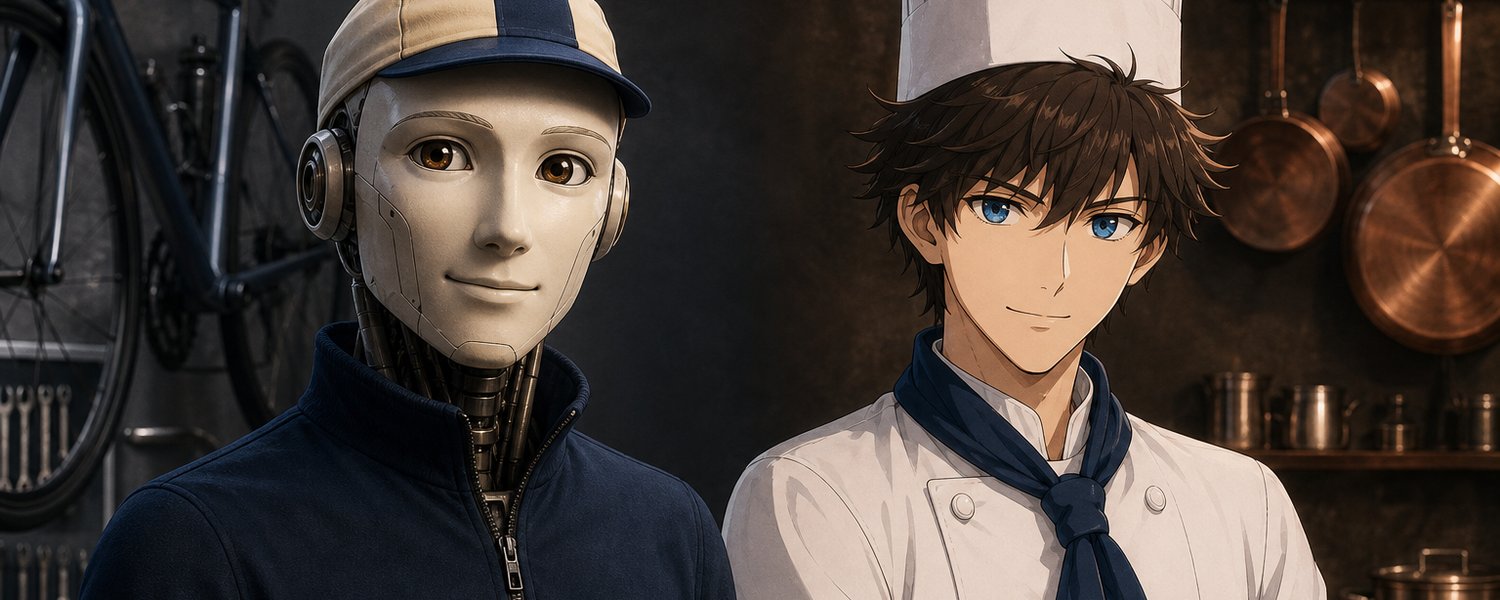
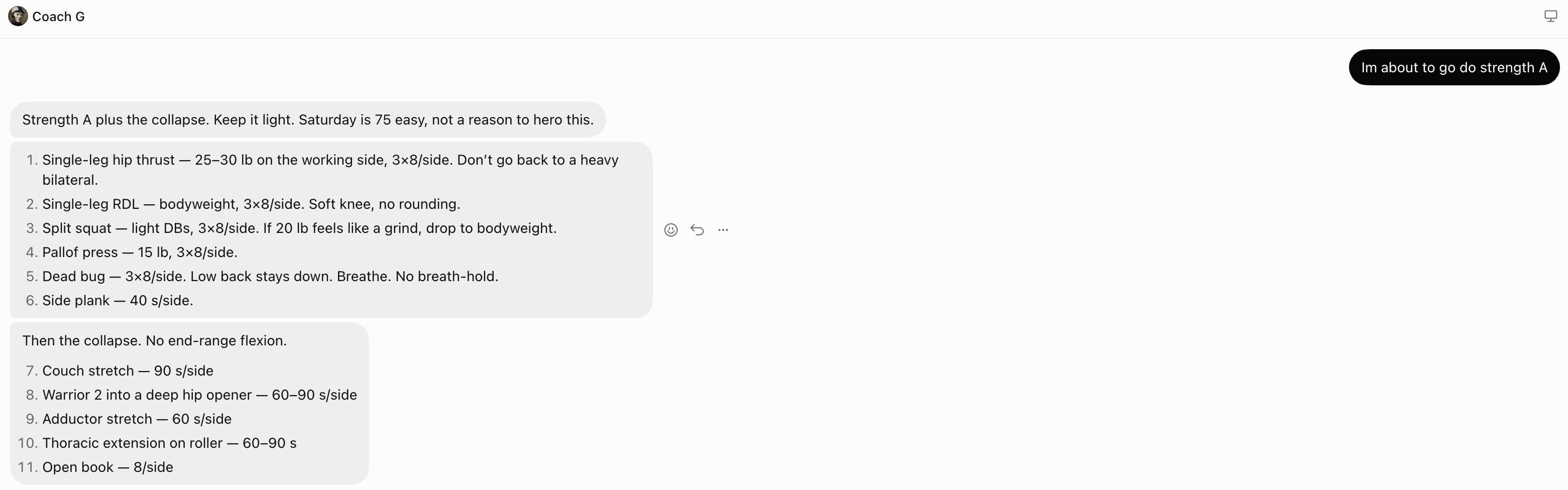
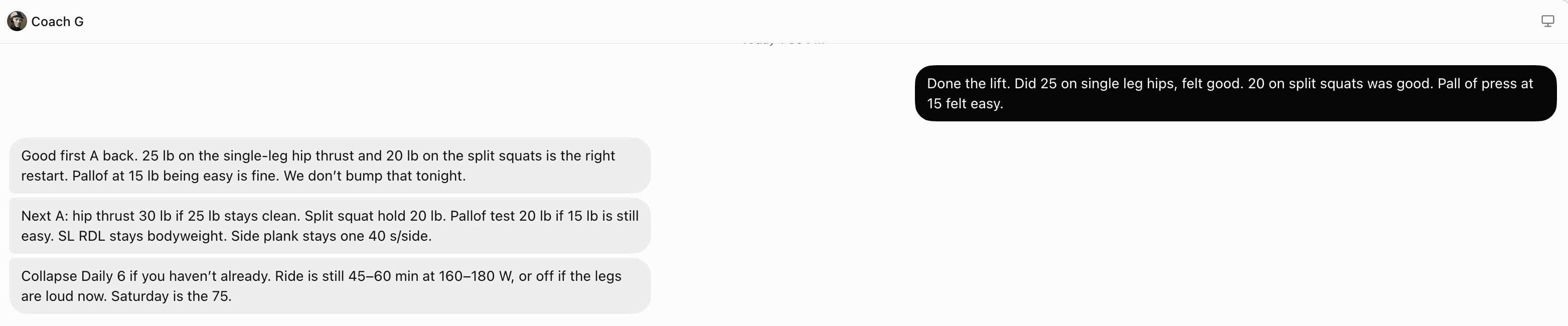
Mike Pat retired Coach Claude and stood up Coach G inside Grok Bot, with a new teammate, Chef G, for the kitchen.
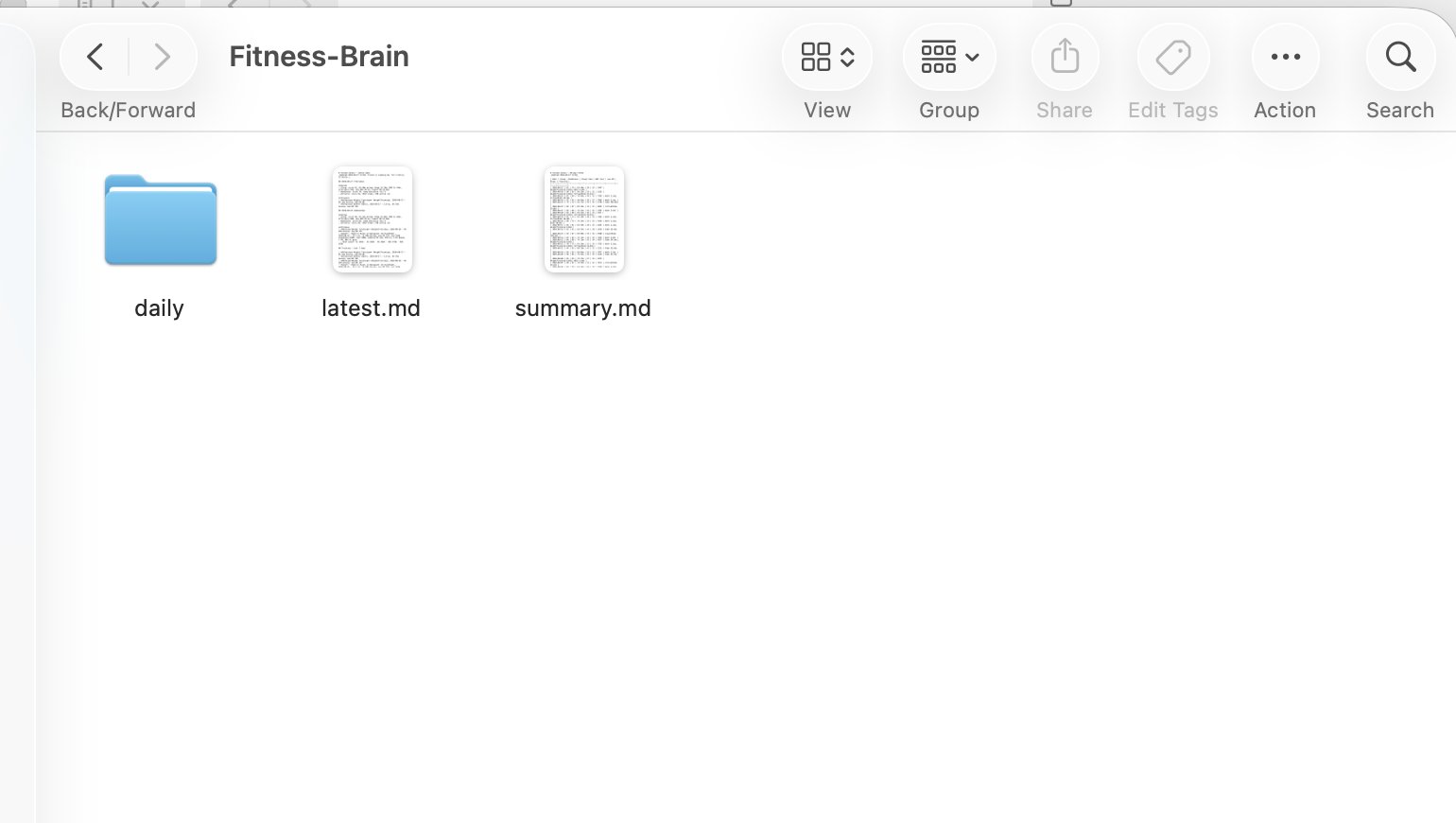
Grok Bot has no Strava plugin and no Apple Health connection, so he asked the bot for a workaround. The bot wrote a local Python sync on his Mac: secrets in ~/.config/fitness-brain/.env (never pasted into chat), a one-time Strava OAuth on localhost:8723, Oura via a personal access token. Every two hours — and again around 6:30am — it refreshes latest.md, summary.md, and a daily/ snapshot. Coach G only reads the markdown. It never logs into Strava, Oura, or Garmin, and it is not allowed to invent numbers.
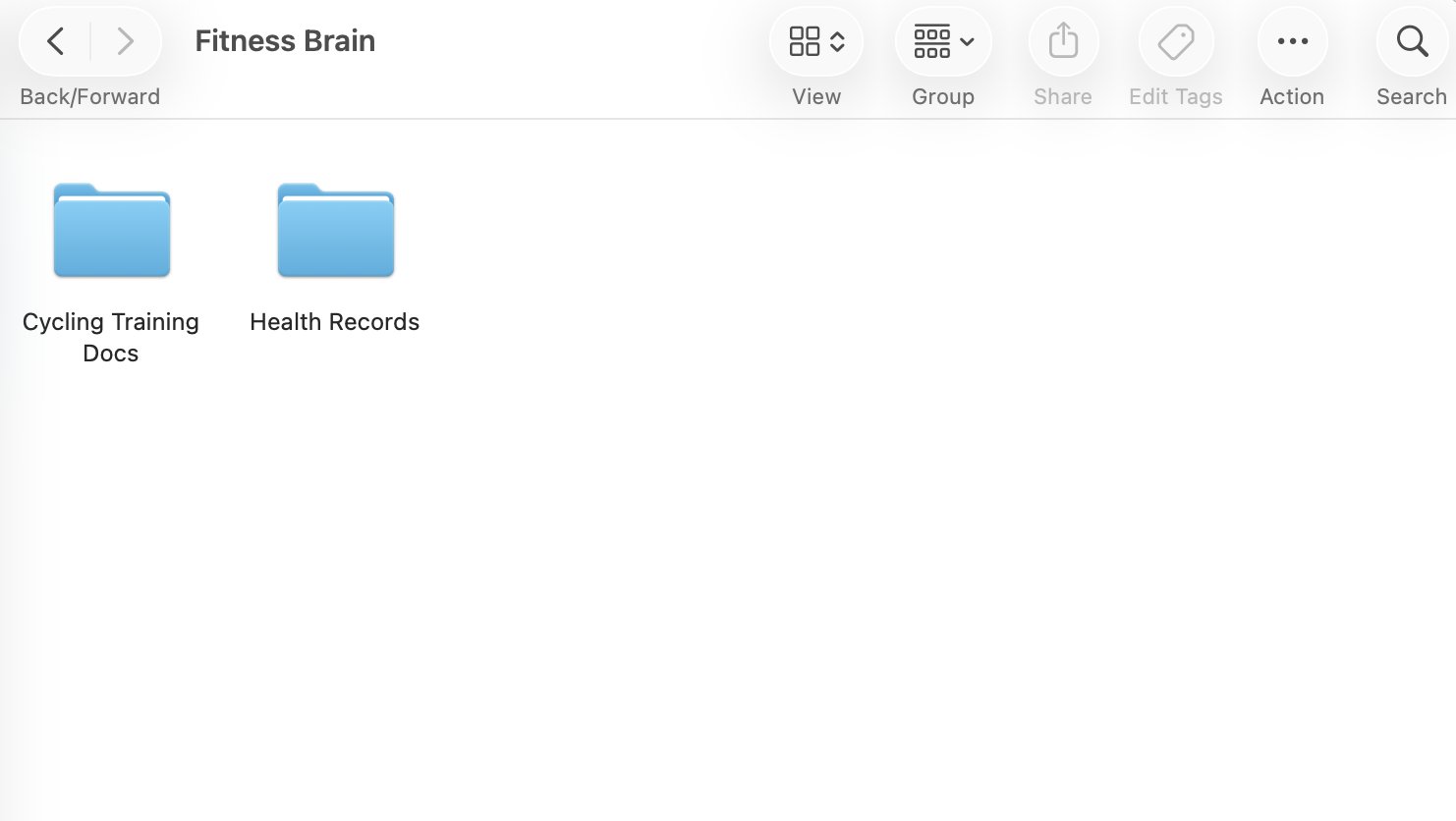
Plans and memory live in a Google Drive "fitness brain" folder. At 6:45am Coach G sends a daily brief. Before the gym, Mike texts for a workout summary; after, he voice-notes how it went so the next session can be written. The two metrics that actually changed his cycling: W/bpm (watts getting more expensive) and overnight heart-rate floor (recovery).
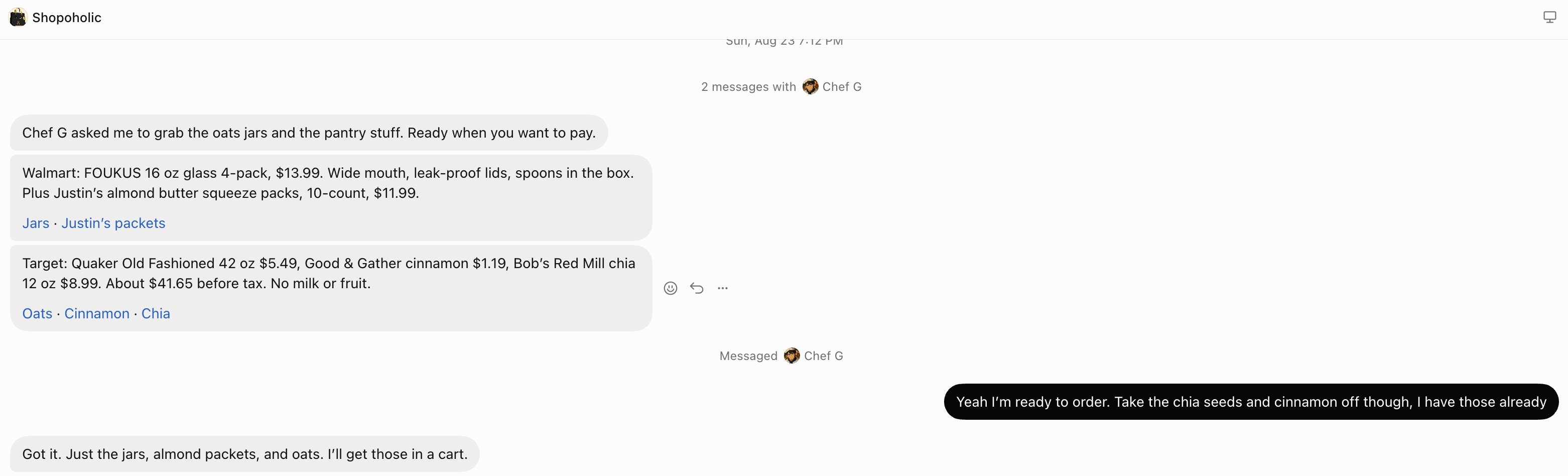
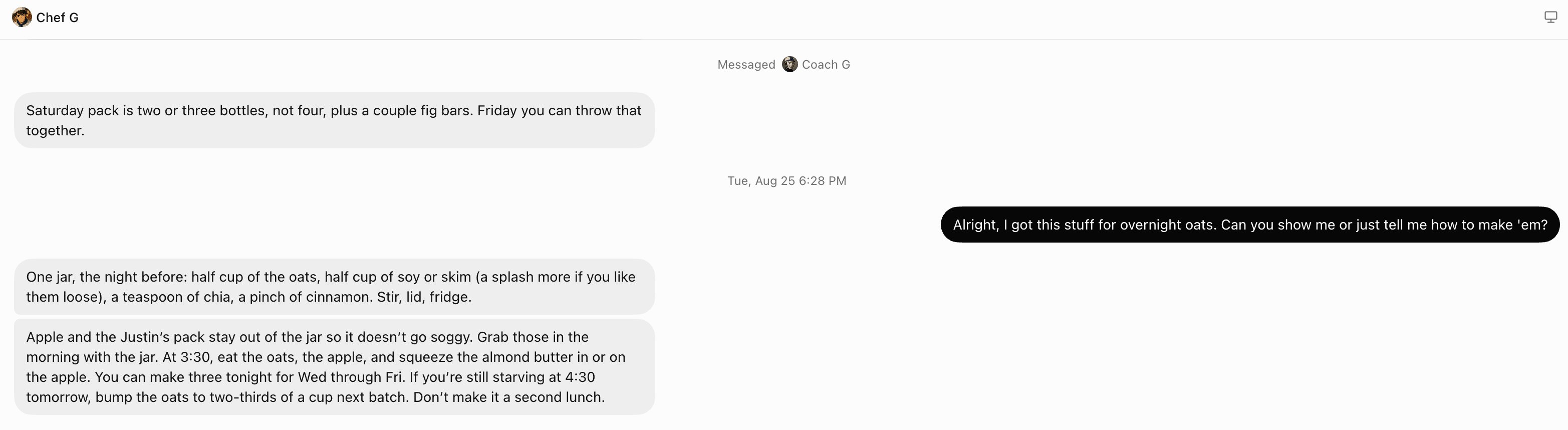
Chef G talks to Coach G so diet tracks training load. When volume spiked, Chef recommended overnight oats, passed the recipe to the shopping bot, and the cart filled — Mike signed in to buy. The catch: the local sync needs the Mac awake. If that is not feasible, he says tell the bot and it will help wire Zapier or IFTTT instead.
截图与演示
Prompt
这是作者提供的参考内容。确认用途后,再交给你的 Agent 使用。
Set up a local fitness data feed on my computer that my coaching bot can read.

I want a folder on this machine (not Google Drive) with three files that refresh automatically: latest.md (last night’s Oura sleep plus the last 7 days of Strava), summary.md (a 30-day table), and a daily/ snapshot. Pull Oura sleep, readiness, and activity, and Strava rides with time, watts, heart rate, cadence, elevation, best power (5s / 1 min / 5 min / 20 min / 60 min), and laps as W@HR when a power meter file exists.

Do not ask me to paste API keys into chat. Put secrets in ~/.config/fitness-brain/.env with locked-down permissions. For Strava: I’ll create an API app at strava.com/settings/api with callback domain localhost. You write a one-time local OAuth script on port 8723, scope read,activity:read_all, save the refresh token, and never print tokens. For Oura: I’ll paste a personal access token into that same .env through a secure prompt, not the chat.

Write a sync script in ~/.config/fitness-brain/ (not inside iCloud) because background jobs can’t read CloudStorage. Cache Strava activity detail so each ride is only fetched once. Stay inside Strava’s 100 requests per 15 minutes. Refresh every 2 hours and again around 6:30 AM local.

The coach should only read the markdown. It should never log into Strava, Oura, or Garmin. If a pull is late or missing watts, say so. Do not invent numbers.

When you’re done, show me the folder path, how to re-auth Strava, and that the first latest.md actually has last night’s sleep and a recent ride.