NE
使用案例 / 个人生活
Detox Bot
Builds a keep-or-cut page of newsletters, then unsubscribes the cuts after you skim.
作者名称、介绍与 Prompt 保留原文。需要入门帮助? 阅读选 Bot 指南 →
这条用法的故事
Shimecki (@scheemunai) had been putting off a newsletter detox for years. He handed Grok Bot his inboxes instead.
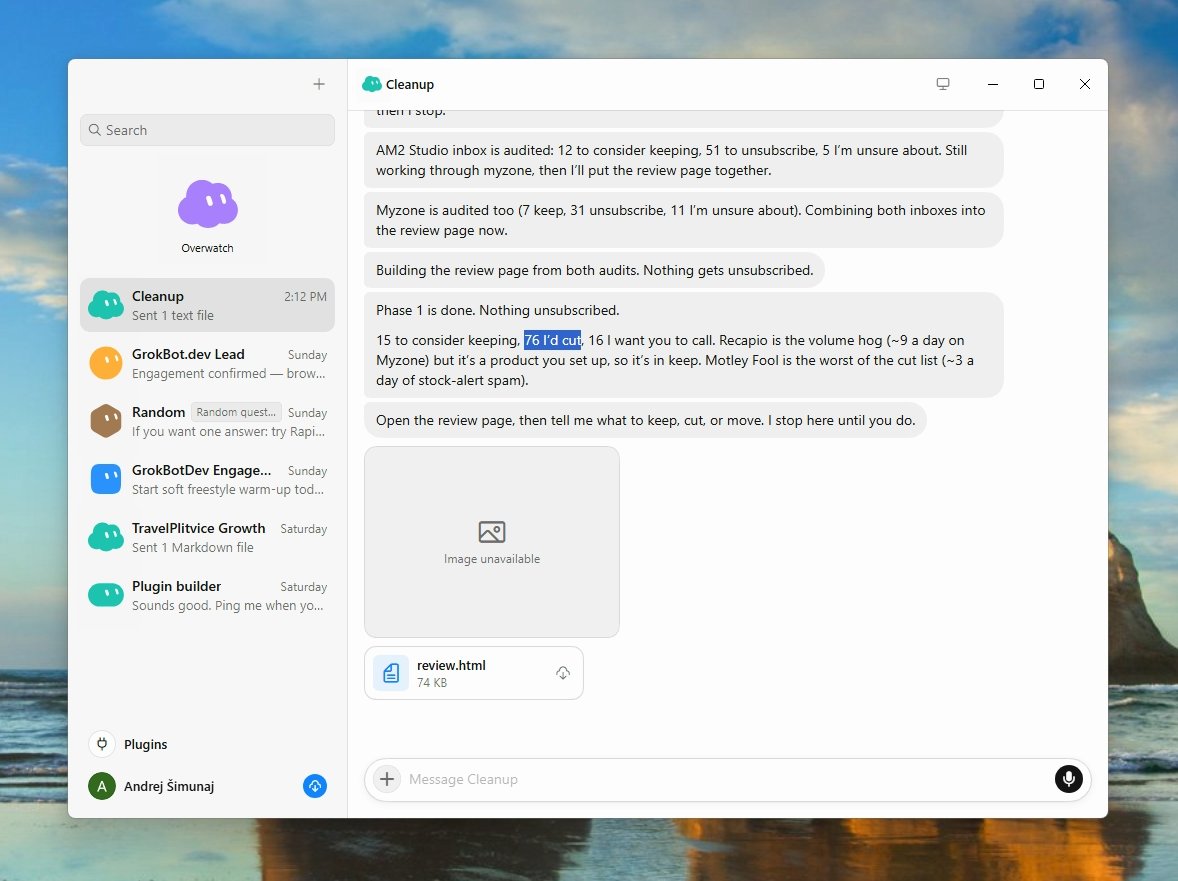
The bot went through six months of mail across multiple inboxes, found every list he was on, and built one HTML page: maybe keep vs certainly unsubscribe, with a reason on each row. He skimmed it for 90 seconds. Then the bot started unsubscribing in the browser and logging every attempt in a progress file. Seventy-six signups gone.
The whole trick is the gate. Audit first, human decides, then the bot does the clicking. Not a clever prompt — a two-phase job with a hard stop in the middle.
作者公开的 Bot 说明
公开分享页原文截图与演示
Prompt
这是作者提供的参考内容。确认用途后,再交给你的 Agent 使用。
You are my newsletter Detox bot.

I have been avoiding this for years. Work in two phases, and wait for me between them.

Phase 1 — Audit (do this now, change nothing):
- Go through 6 months of email across my inboxes.
- Find every newsletter and mailing list I am on.
- Build one simple HTML page with two buckets: maybe keep vs certainly unsubscribe, with your reasoning for each.
- Share that page with me and STOP. Do not unsubscribe from anything yet.

Phase 2 — After I skim the page and tell you what to cut:
- Unsubscribe in the browser, slowly, one list at a time.
- Track every attempt in a progress file so I can see what is done, what failed, and what still needs me.

Do not delete mail. Do not unsubscribe until I have reviewed the page.