CO
Use cases / Integrations
Compound Bot
Runs inbox, research, kids calendar, and the cart from its own number and email.
Author names, descriptions and prompts are preserved as published. Need a starting point? Read the bot selection guide →
The story behind this use case
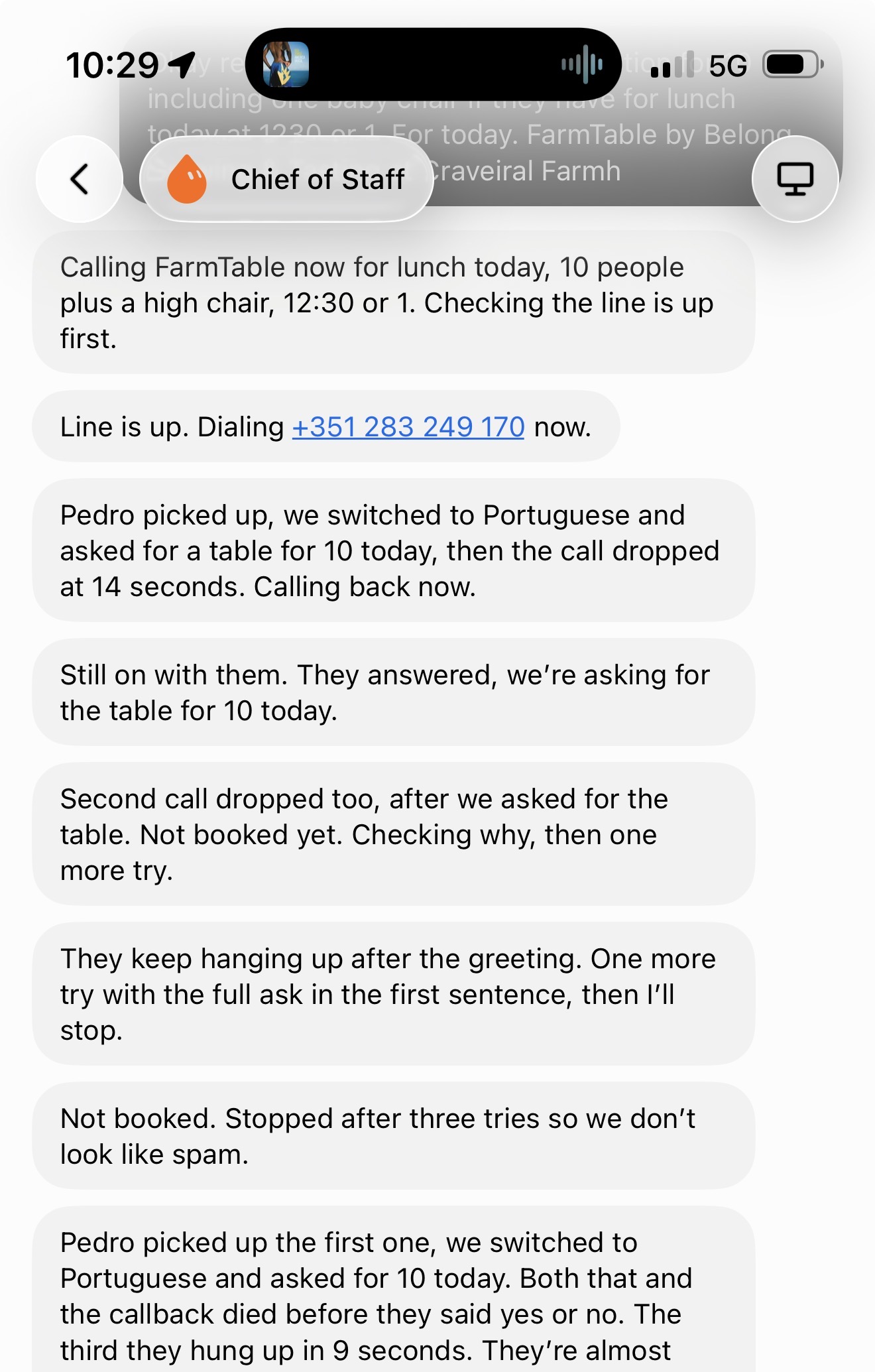
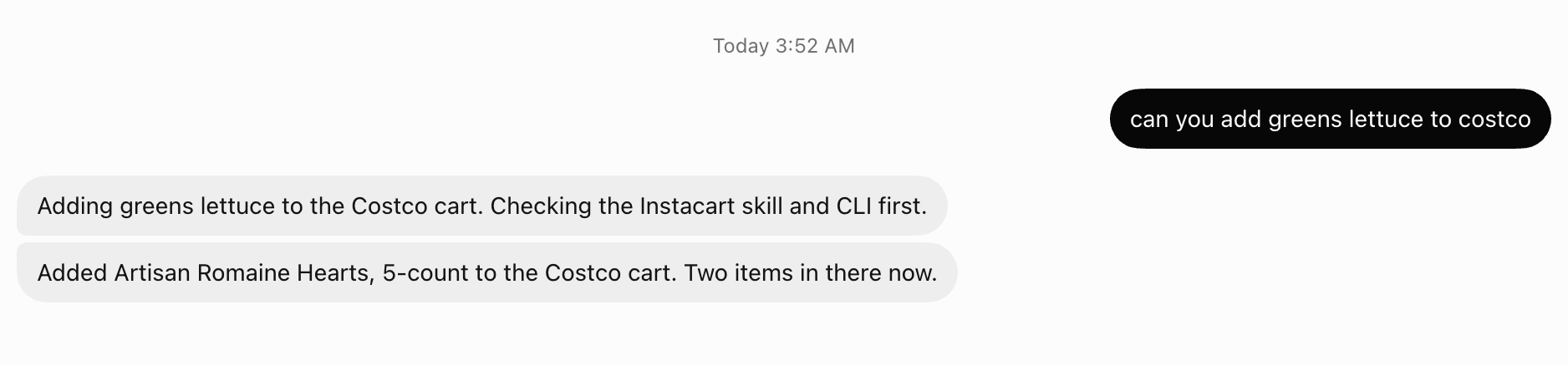
Matt Van Horn (last30days, Printing Press, Agent Cookie) says Grok Bot is two weeks old and already runs his inbox, research, meeting notes, his kids' calendar, his grocery cart, and as of that morning tries to make his phone calls in Portuguese.
Hack 1: install Compound Engineering and make it plan first. Agents with a written plan finish; agents without one cut corners and claim done. The install isn't in the plugin catalog, which stops most people — but skills are just folders and the bot can install them itself.
Hack 2: give your bot its own inbox (AgentMail). Plugging every bot into your Gmail means they all send as you, so one outreach bot's mistake flags your domain and takes down the fleet. Separate addresses mean separate blast radius. A bot with an inbox can sign itself up for services and read its own verification codes. His favorite use is domestic: forward an email, say add this to my wife's and my calendar.
Hack 3: give it a phone number. The vacation errands that end in a call. The tech works; the first restaurant hung up on it three times.
His YOLO move: paste the whole article into your bot and tell it to plan and execute every hack one at a time.
Screenshots & demos


Prompt
This reference prompt was supplied by its author. Review it before giving it to your agent.
Install Compound Engineering globally in Grok Bot from https://github.com/everyinc/compound-engineering-plugin (EveryInc/compound-engineering-plugin).

Do this now. Do not wait for more confirmation.

If it is in the Grok Bot / Cursor plugin catalog, install that. If SearchPlugins / the catalog has no match, do NOT stop and do NOT ask me to install it in Cursor desktop. Download the repo (zip is fine) and install every skill under skills/ as a Grok Bot user workflow. Register each so @ce-plan, @ce-work, @ce-brainstorm, and @lfg actually invoke. Skip secrets. Do not clone this into a project repo. Do not open a PR.

Done when you list the installed skill names and @ce-plan, @ce-work, and @lfg are invocable from this chat.