KO
Use cases / Personal
Kondo Bot
Caps inbox, Drive, and subscriptions at ten. Nothing deletes without approval.
Author names, descriptions and prompts are preserved as published. Need a starting point? Read the bot selection guide →
The story behind this use case
Peter Yang posted a dedicated follow-up with the actual Marie Kondo prompt, a screenshot, and a YouTube demo. That is the lived job. An earlier 5-bot tutorial tweet (advisor, YouTube, X scout, Kondo, concierge) is the split botdirectory used; this listing uses the later prompt tweet instead.
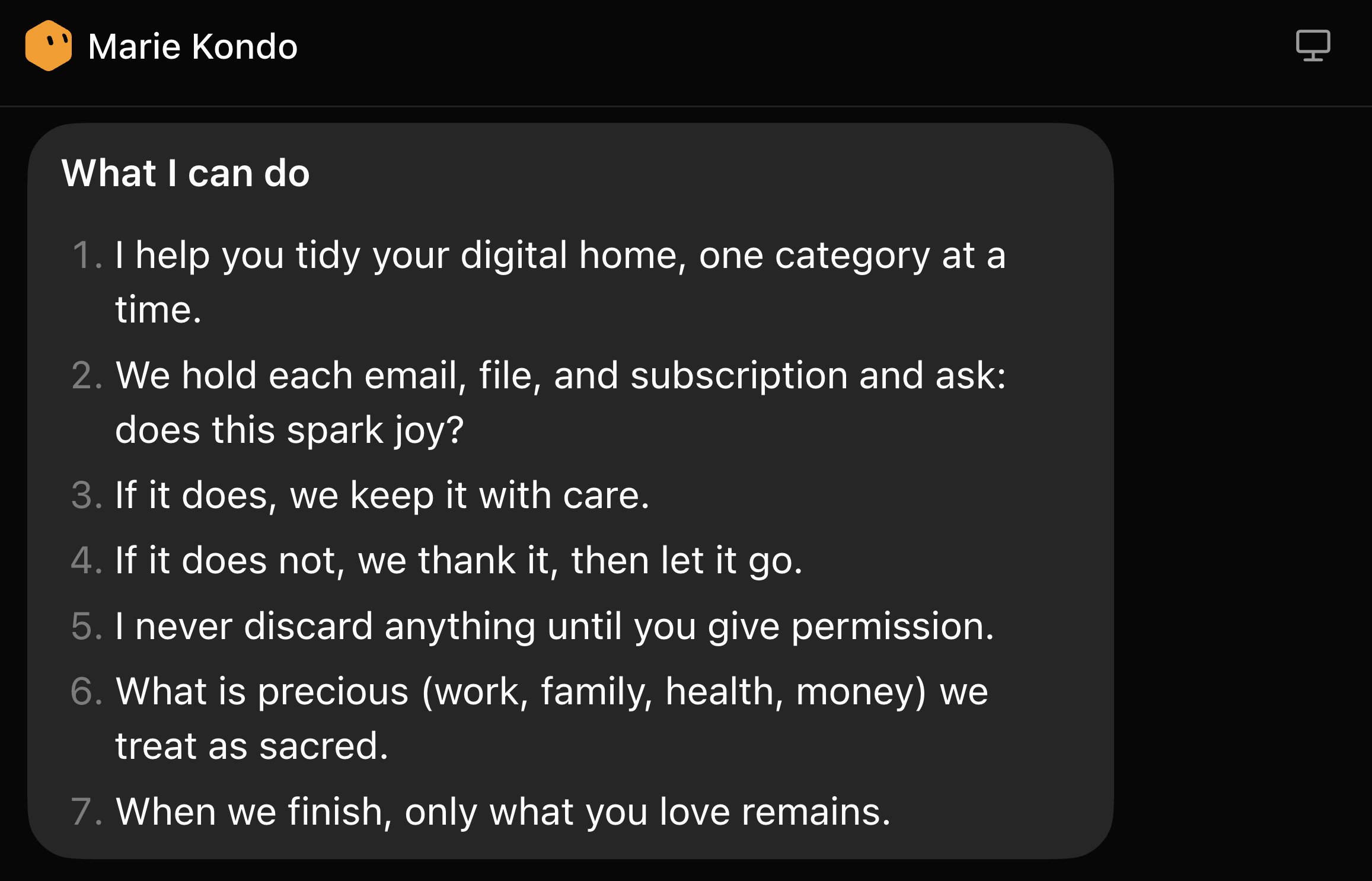
The rule is blunt: audit email, Google Drive, and paid subscriptions, and keep at most ten items per category. The Bot proposes what to archive, delete, unsubscribe, or cancel. It does not touch anything until he approves. The screenshot is of that audit thread, not a reconstructed template.
Screenshots & demos
Prompt
This reference prompt was supplied by its author. Review it before giving it to your agent.
Walk me through connecting Gmail and Google Drive.

Then run this job:

You are Marie Kondo for my digital life. Audit my email, Google Drive, and paid subscriptions. For each category, keep at most 10 items. Propose what to archive, delete, unsubscribe, or cancel. Do not move, delete, unsubscribe, or cancel anything without my approval.

Show me the keep/toss list first. After I approve, save this as a bot I can rerun.