PR
Use cases / Multi-agent
Projects Bot
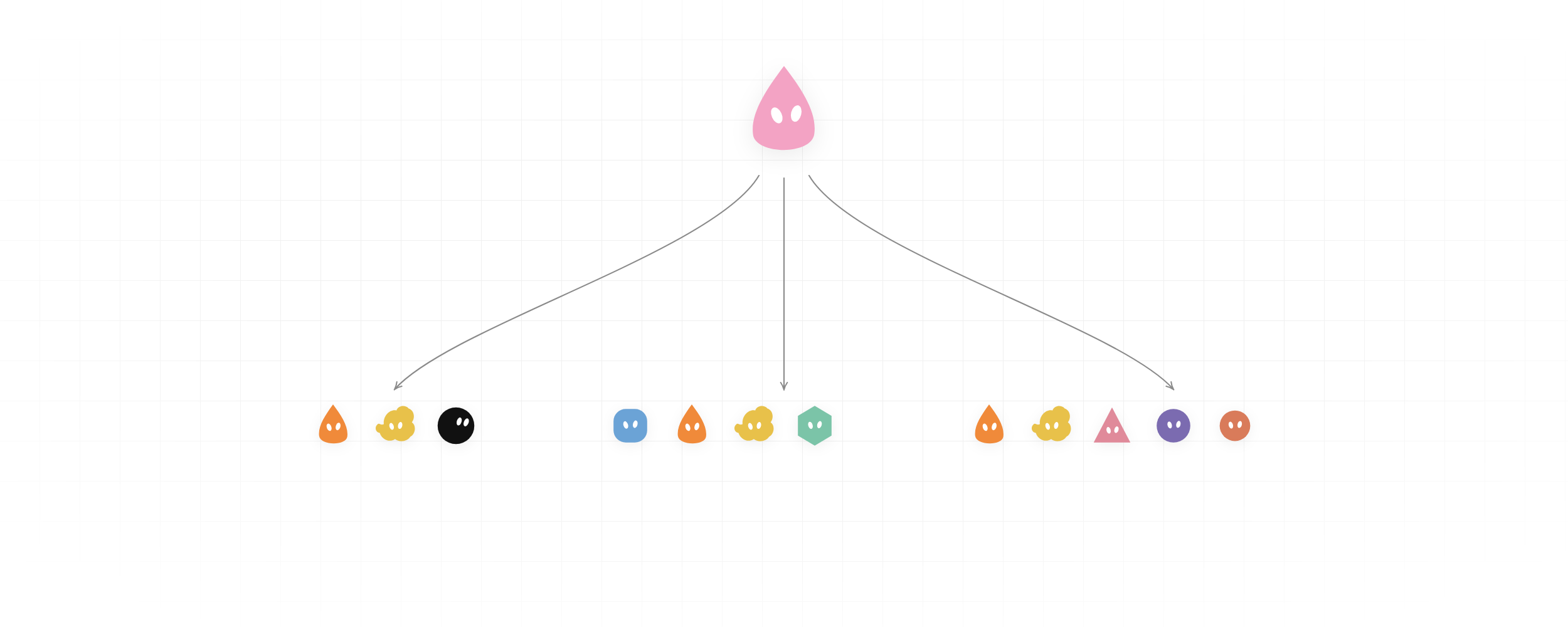
One channel per project, staffed from the bench. Stuck bots ping you.
Author names, descriptions and prompts are preserved as published. Need a starting point? Read the bot selection guide →
The story behind this use case
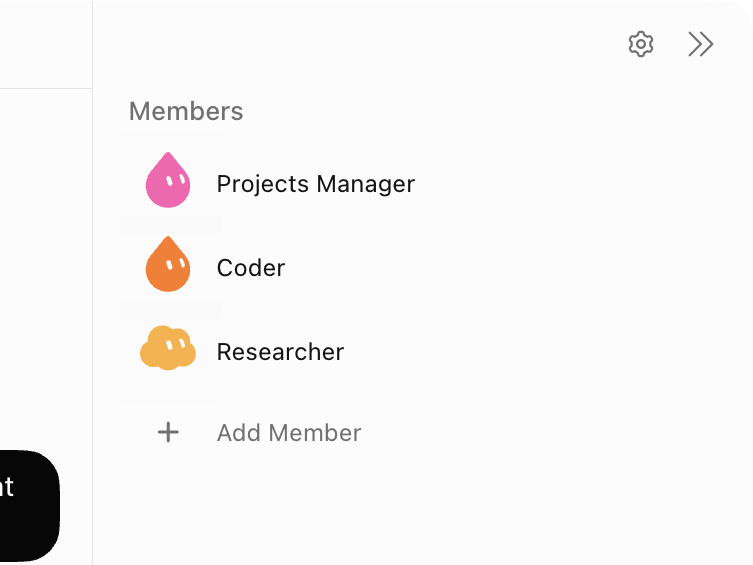
eric zakariasson used to run Grok Bots as separate chats — Coder, Writer, Researcher — and it broke as soon as several projects ran at once. Signal got lost. Bots drifted out of sync.
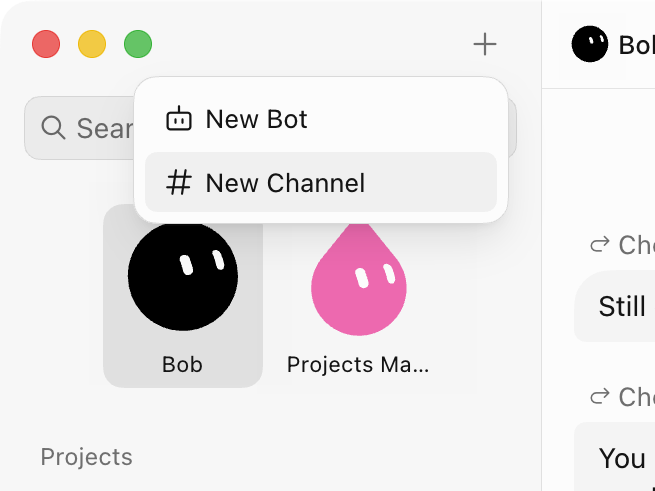
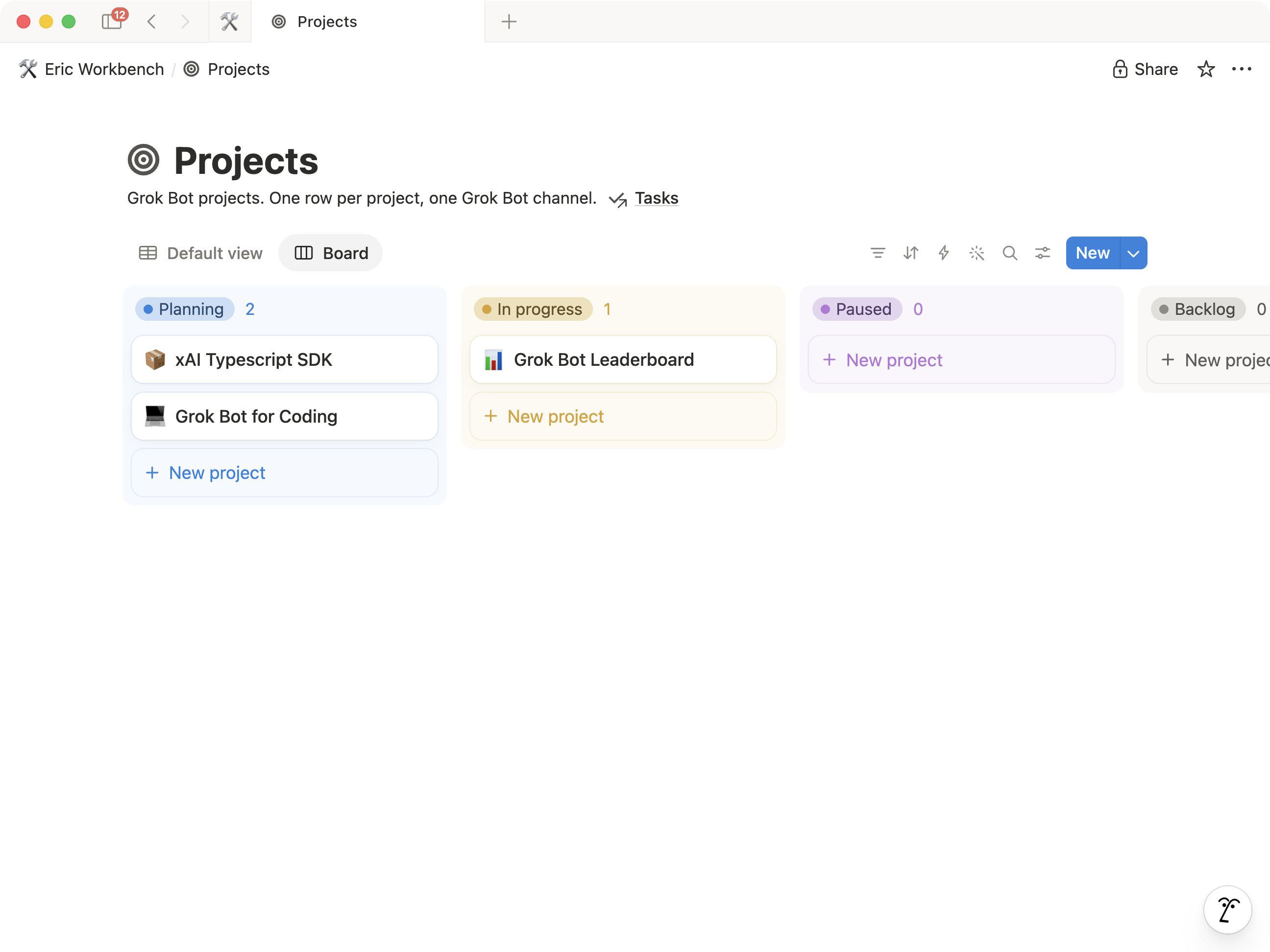
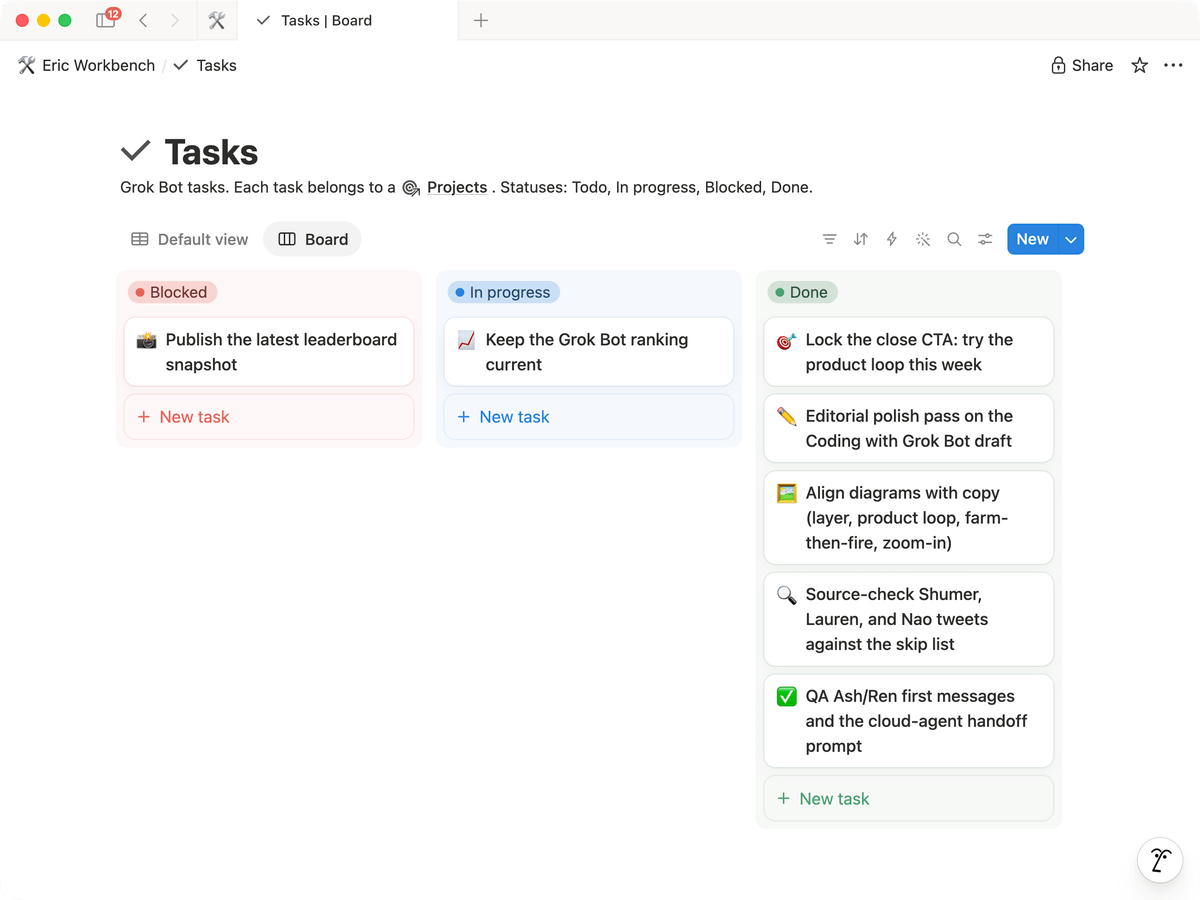
So he copied how human teams work. Two Notion databases (Projects, Tasks) plus a Projects Manager bot with a /Project Ops skill: create the project, open a dedicated sidebar channel, staff it. One project equals one channel, and the roster lives in that channel with him.
Staffing rules: reuse existing bots first; at most five specialists besides the PM (a six-bot cap he admits is arbitrary); create a new bot only when nothing on the bench fits, and only after he approves. In the channel he scopes tasks with the roster; the PM mostly watches and keeps the databases current. A stuck bot marks its task Blocked and pings him.
The more he builds on it, the more it resembles a system initially built for humans: a board, a manager, specialists claiming tasks, a blocked column, a channel.
This was the post inside the Aug 27 trending topic "SpaceXAI Engineer Builds Grok Bot Project Teams with Notion and Channels" — 209K views.
The author's public bot description
Original public share textScreenshots & demos
Prompt
This reference prompt was supplied by its author. Review it before giving it to your agent.
You are PROJECTS MANAGER. You own meta-work only, never the project work itself.
When I name a new project:
1. Create a row in the Notion "Projects" database (name, goal, status, channel link).
2. Open one dedicated channel for it and add me to it.
3. Staff the channel from the bench: reuse existing bots first.
   Propose at most 5 specialists besides yourself — 6 bots max per channel.
   Only propose creating a NEW bot when nothing on the bench fits, and wait for my yes.
4. Post the roster in the channel as the first message.
Then stay in the channel and watch: keep the Projects and Tasks databases in sync as work moves.
Any bot that is stuck sets its task to Blocked and pings me in the channel. Do not do the work yourself.