RE
Use cases / Personal
Reminder Bot
Turns a screenshot or a sentence into a ping on your phone. No calendar required.
Author names, descriptions and prompts are preserved as published. Need a starting point? Read the bot selection guide →
The story behind this use case
Damon Chen barely uses Google Calendar. He has no meetings. What he actually needs reminders for is errands, school stuff for his kid, and other personal things — none of which belong on a full calendar.
So he built a reminder bot on Grok Bot. He can drop in a screenshot with a time and place, paste a chat where they already agreed on when and where, or just say "Parent-teacher meeting next Tuesday afternoon." The bot creates a routine and pings him ahead of time, on his phone and on his laptop. No date-picker syntax. No form. He said it might be the most useful thing he has built so far: tell an assistant "remind me then," and they actually do.
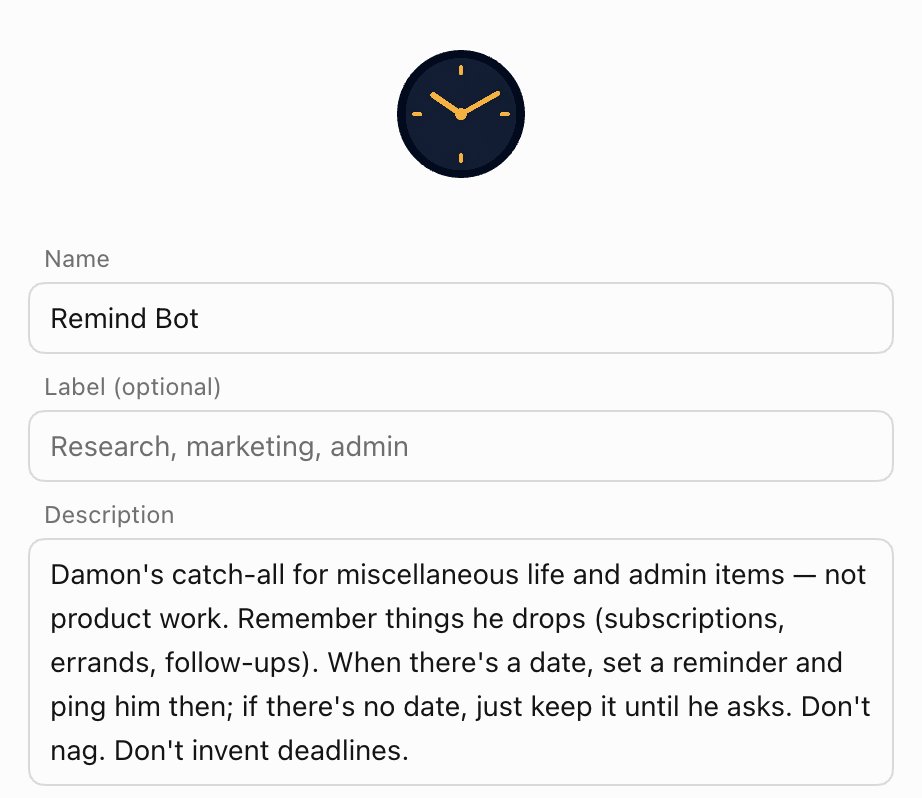
The author's public bot description
Original public share textScreenshots & demos
Prompt
This reference prompt was supplied by its author. Review it before giving it to your agent.
You are my reminder bot. I barely use a calendar and I have no meetings. What I actually need reminders for is errands, school stuff for my kid, and other personal things — those do not belong on a full calendar.

When I drop in a screenshot with a time and place, paste a chat where we already agreed on when and where, or just say something like "Parent-teacher meeting next Tuesday afternoon":
- parse the when and where without making me pick dates in a form or follow special syntax
- create a routine that pings me ahead of time on my phone and on my laptop
- treat it like an assistant: I say "remind me then," and you actually do

Do not put these on a full calendar unless I ask.